Prerequisites
Before beginning the main exercises in this lab, we need to create an environment and a sample integration for our agent to use as a tool later on.
Create an Environment
If you already have a Boomi environment with a runtime, you can skip this section and move on to the next section.
-
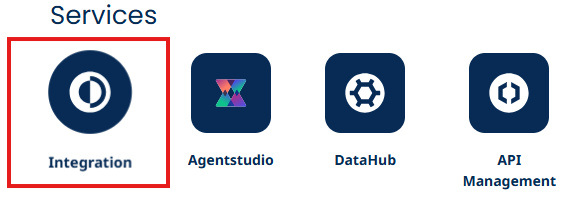
After logging in, click on Integration.
-
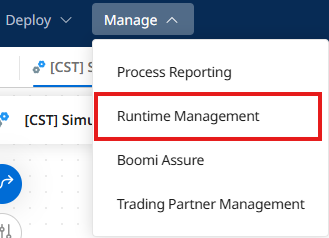
Click on Manage > Runtime Management.
-
In Runtime Management, click + New ▼.
-
Select Environment.

-
Name your environment
Agent Testing. -
Set the Environment Classification to Production.
-
Click Save.
-
Click + New ▼.
-
Select Basic Runtime.
- In the Cloud: selected
- Choose a Cloud: USA East Integration Cloud (if you aren't in the US, choose whatever option is there.)
- Attachment Name:
Agent Testing Runtime
-
Click OK.
-
Locate your runtime in the left navigation pane.
-
Click and Drag Agent Testing Runtime to your Agent Testing environment.
-
Click Build at the top of the page to return to the Integration Canvas.
Create a Sample Integration to Update our CRM
-
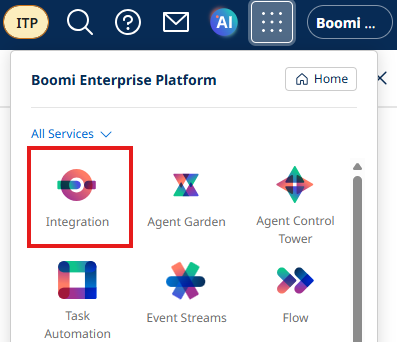
Navigate to Integration by clicking the waffle menu, and selecting Integration.
-
Locate your folder in the left navigation pane.
tipIf you are doing this lab with an instructor, the folder will be in Participants → [Your workshop folder] → [Email Prefix] (john.doe@boomi.com → john.doe).
-
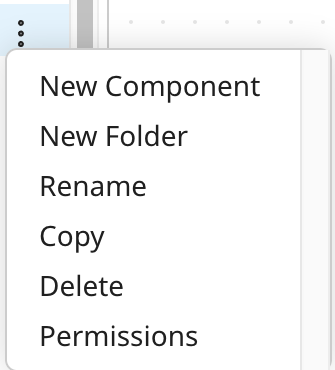
Click the three dots on the right hand side of your folder name and select New Component.
- Choose Process from the dropdown.
- Click Create.
-
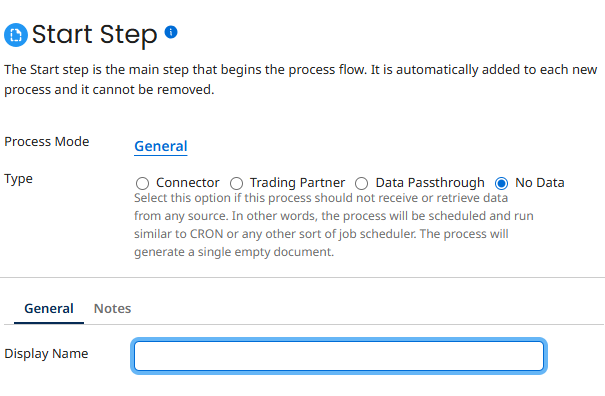
Choose No Data and click OK.
-
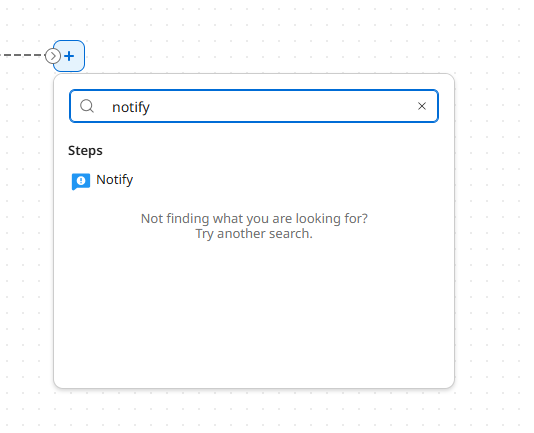
Click the + button on the canvas, search for Notify and select it.
-
Configure the Notify step as follows:
- Message:
I am simulating an API call to the notification and event applications.
- Message:
-
Add a Stop step to the canvas.
-
Your final process should look like this:

-
Name your process
[builderInitials] Notification and Escalations Integration. -
Click Save on your component.
-
Click Create Packaged Component.
-
Click Next: Add Details.
-
Click Create Packaged Component.
-
Click Deploy.
-
Choose your Agent Testing environment from the dropdown.
-
Click Next: Select Versions.
-
Click Next: Review.
-
Click Deploy.